
How to Stay Compliant While Managing Older Website Content
A Clear Path Forward for Managing Website Accessibility
Website accessibility is no longer something that can be put off or handled later. It has become a core part of maintaining a responsible, effective online presence.
At the same time, most businesses and organizations are not starting from scratch. You already have years of content on your website. Blog posts, documents, pages, and media that were created under very different standards.
This creates a practical and often overwhelming question.
What are you expected to do with all of that existing content?

This article is designed to give you clarity on the legal expectations, explain how archived content fits into those requirements, and show you a practical way to move forward without trying to solve everything at once.
Why Accessibility Laws Now Require More Attention
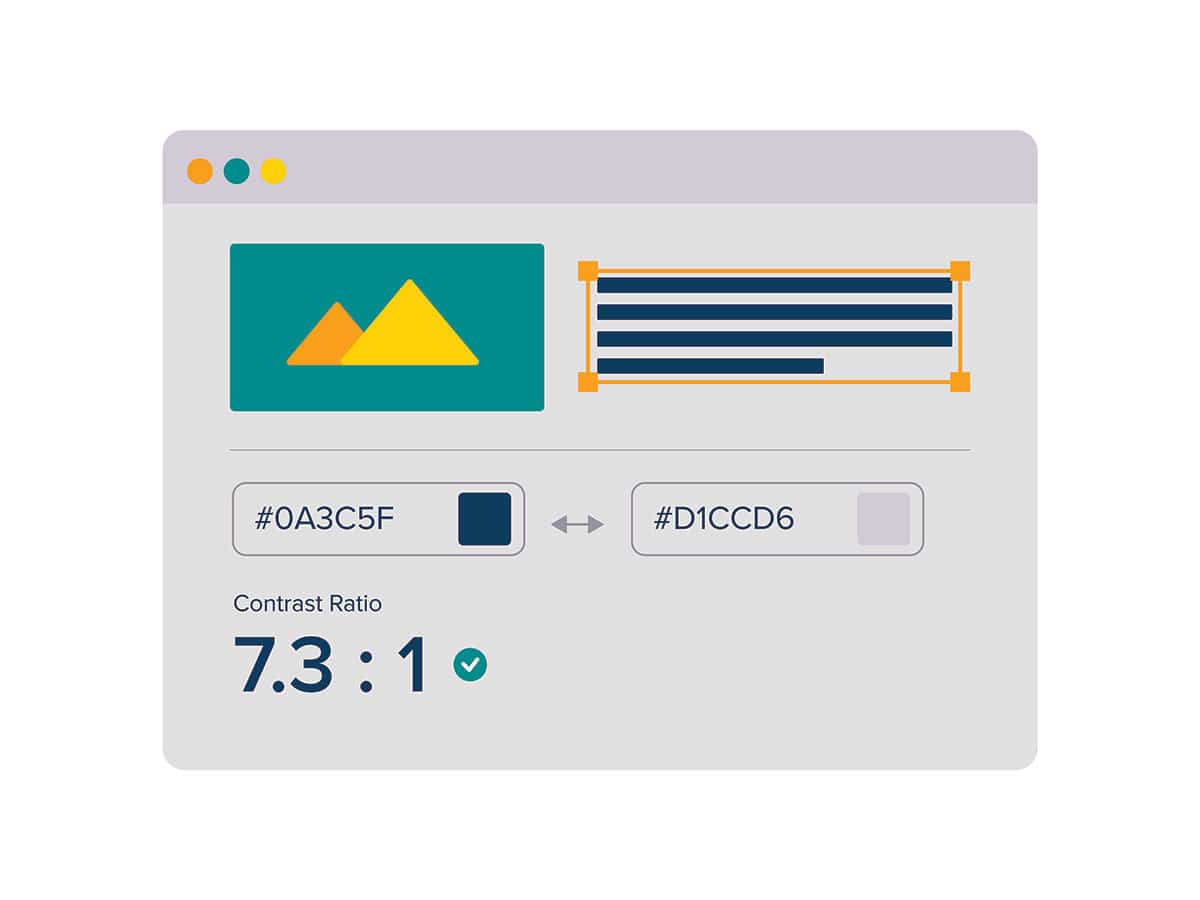
Recent updates from the U.S. Department of Justice have made accessibility expectations much clearer, especially for state and local governments. According to the official ADA rule update, public entities are now required to ensure their websites and mobile applications meet accessibility standards such as WCAG 2.1 Level AA.
If you want a more practical breakdown of what this means, Equalize Digital provides a helpful summary of how these requirements are being applied and enforced.
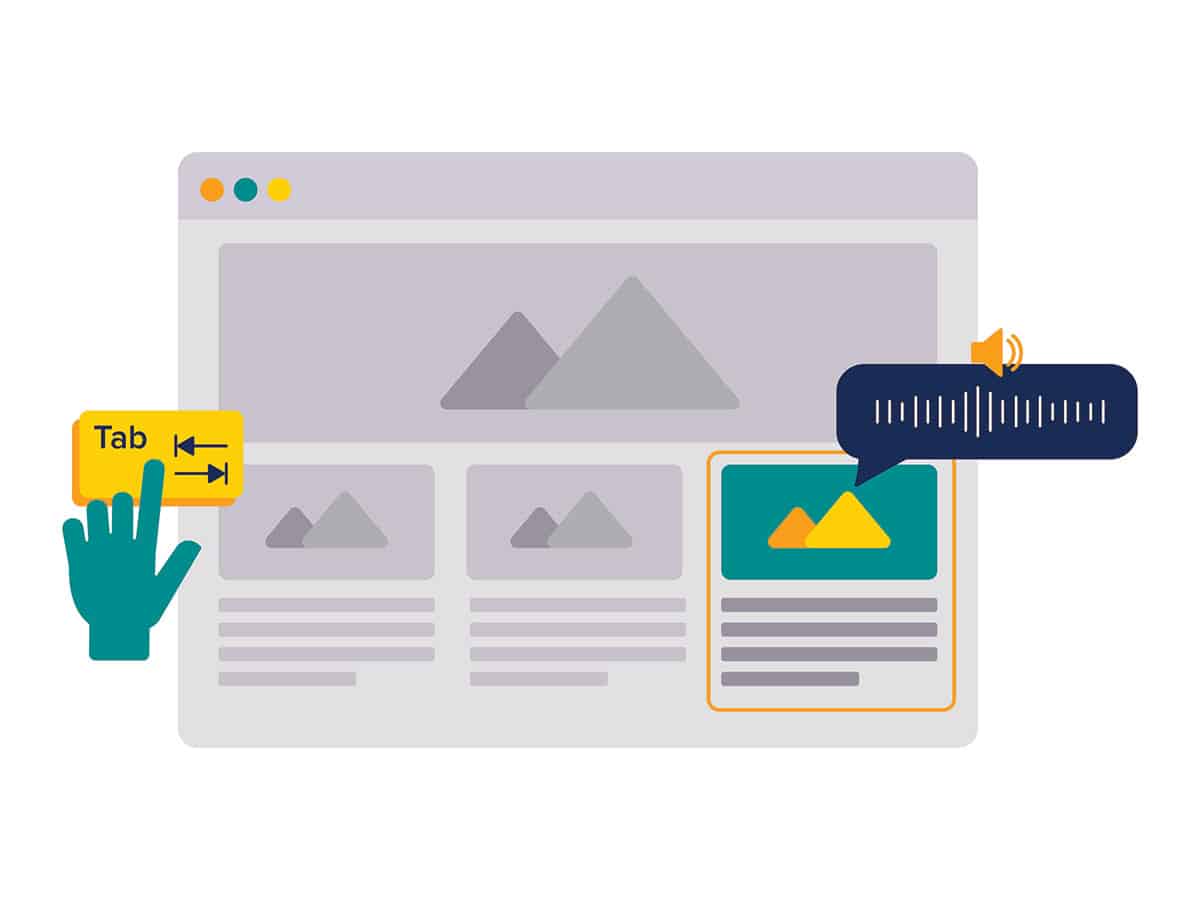
This includes people who use screen readers, navigate with keyboards, or depend on other assistive technologies.
The key shift is that accessibility is no longer just about new content. It extends to the overall experience of your website, which naturally includes content that has been there for years.
For many organizations, this is where the challenge begins. You are not just maintaining a website. You are managing a growing archive of information that may or may not meet today’s standards.
The Real Challenge: Older Content That Doesn’t Meet Standards
Most websites have built up content over time without a structured accessibility process in place. That is completely normal. Standards have evolved, tools have improved, and expectations have changed.
What you are left with is a mix of content. Some of it is current and important. Some of it still gets traffic. And some of it is outdated but still sitting on your site.
The difficulty is that updating everything is rarely realistic. It would require a significant investment of time and resources, often for content that no longer plays a meaningful role in your business.
At the same time, ignoring it entirely is not a good option either. The DOJ rule does allow for limited exceptions, but only under very specific conditions, particularly when content is truly archived and not part of active use

What Happens If You Don’t Address It
When older content is left unmanaged, it can create both compliance and usability issues over time.
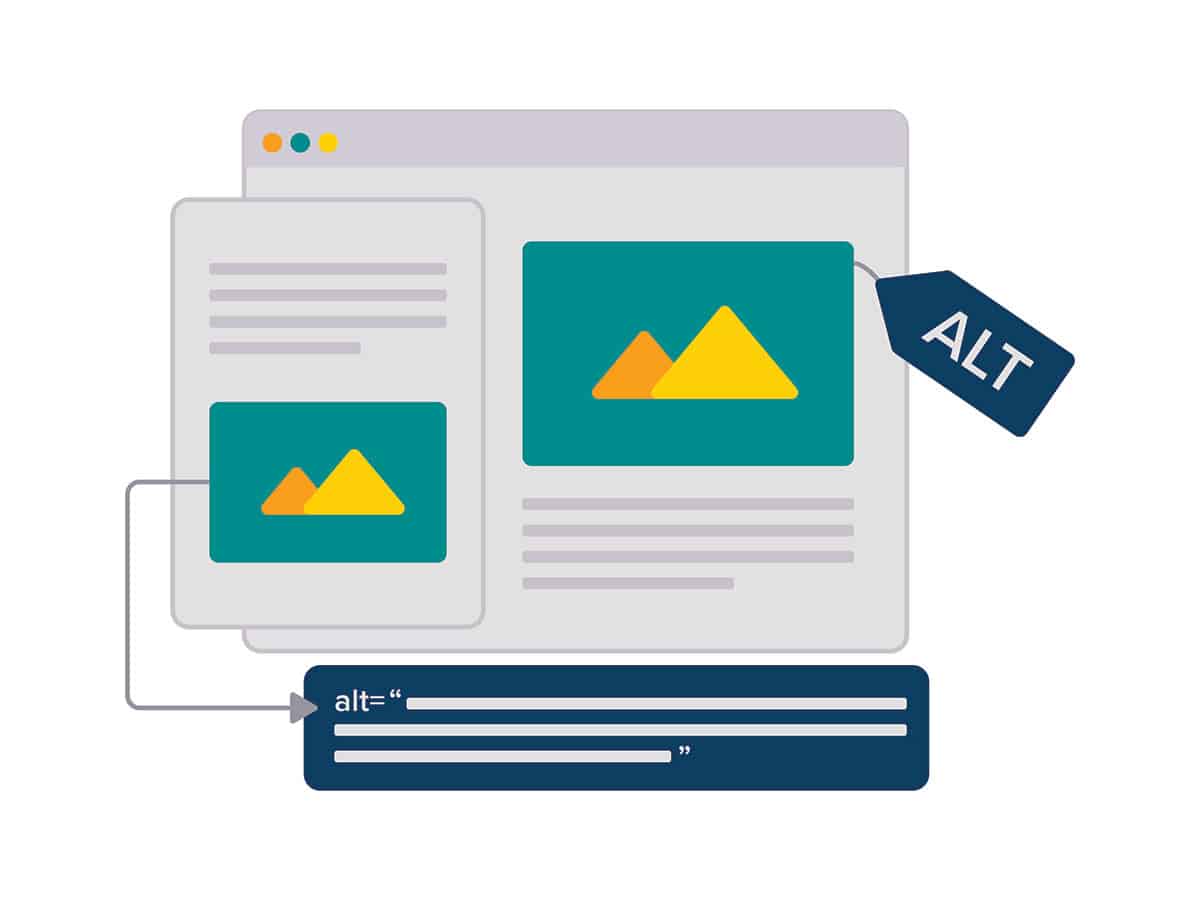
From a legal standpoint, your website may not meet accessibility expectations if users encounter barriers. The ADA rule makes it clear that content still being used for services, decision-making, or navigation does not qualify for exceptions and must meet accessibility standards
From a user experience standpoint, outdated or inaccessible content can create confusion and frustration, especially for visitors who rely on assistive technologies.
There is also a long-term maintenance issue. As your website continues to grow, the gap between current standards and older content becomes wider, making it even harder to address later.
A Practical Solution: Archiving Content the Right Way
Accessibility guidance does allow for a practical middle ground. Not every piece of legacy content needs to be fully remediated, especially if it is no longer actively used or essential to your current services.
This is where archiving becomes an important part of your strategy.
The Department of Justice outlines that archived content can qualify for an exception only if it meets specific criteria, including being kept for reference purposes, stored in a clearly defined archive, and not modified after being archived.
Instead of trying to update everything, you can separate your content into two categories. Content that supports your current business and needs to be accessible, and content that can be preserved but no longer needs to function as part of your active website experience.
When handled correctly, archived content can remain available without creating the same level of accessibility risk.
The Tool We Use: ArchiveWP
To make this process manageable, we use ArchiveWP by Equalize Digital. ArchiveWP helps identify and manage content that qualifies for archival status based on accessibility guidelines.
It allows us to move older content into a clearly defined archived state, helping ensure it is properly separated from your active website.
This distinction is important. It helps communicate to users that the content may not meet current accessibility standards, while also reducing the burden of trying to fully update material that is no longer central to your business.
From a practical standpoint, it also helps keep your website more organized and easier to maintain.
How This Fits Into a Strategic Accessibility Plan
A strong accessibility strategy is not about fixing everything at once. It is about making intentional decisions about where your time and effort will have the greatest impact.
In most cases, this starts with understanding your content. Which pages are essential to your business? Which ones drive traffic or support customer decisions? And which ones are simply part of your website history?
From there, the focus shifts to improving what matters most. Your core pages, navigation, and primary user pathways should meet accessibility standards because they directly impact how people interact with your business.
Once those areas are addressed, archiving becomes a way to manage everything else.
It is also important to understand that even archived content still falls under “effective communication” requirements. If a user requests access to archived materials, organizations are required to provide an accessible version
Going forward, the goal is consistency. New content should follow accessibility best practices from the start.
The Outcome: A Website That Works Toward Compliance and Is Manageable
When you approach accessibility this way, your website becomes easier to manage and more effective overall.
Instead of feeling like you are constantly trying to catch up, you have a system. Your most important content is accessible and up to date. Older content is still available but clearly separated. And new content is created with the right standards in place from the beginning.
This creates a more sustainable path forward that supports both compliance and long-term growth.
FAQs About RVTech Connect Hub

A Clear Next Step
If your website has been growing for years without a clear accessibility plan, you are not alone.
The solution is not to fix everything at once. It is to create a structured approach that prioritizes what matters and gives you a way to manage the rest.
At Redwood Valley Technical Solutions, we help clients understand accessibility requirements, prioritize updates, and implement tools like ArchiveWP so their website supports both compliance and long-term growth.